
- Cleus
- Imagine
Uncensored AI image & video generator. Describe it. Then make it move.
Imagine is the uncensored AI image generator and video generator inside Cleus. Turn a prompt into images, edit them in plain words, animate them into video with sound, swap a face into a clip — or hand the Imagine Agent an idea and get back a finished, multi-shot video.
Free to start · No credit card · Images, video, voice & music


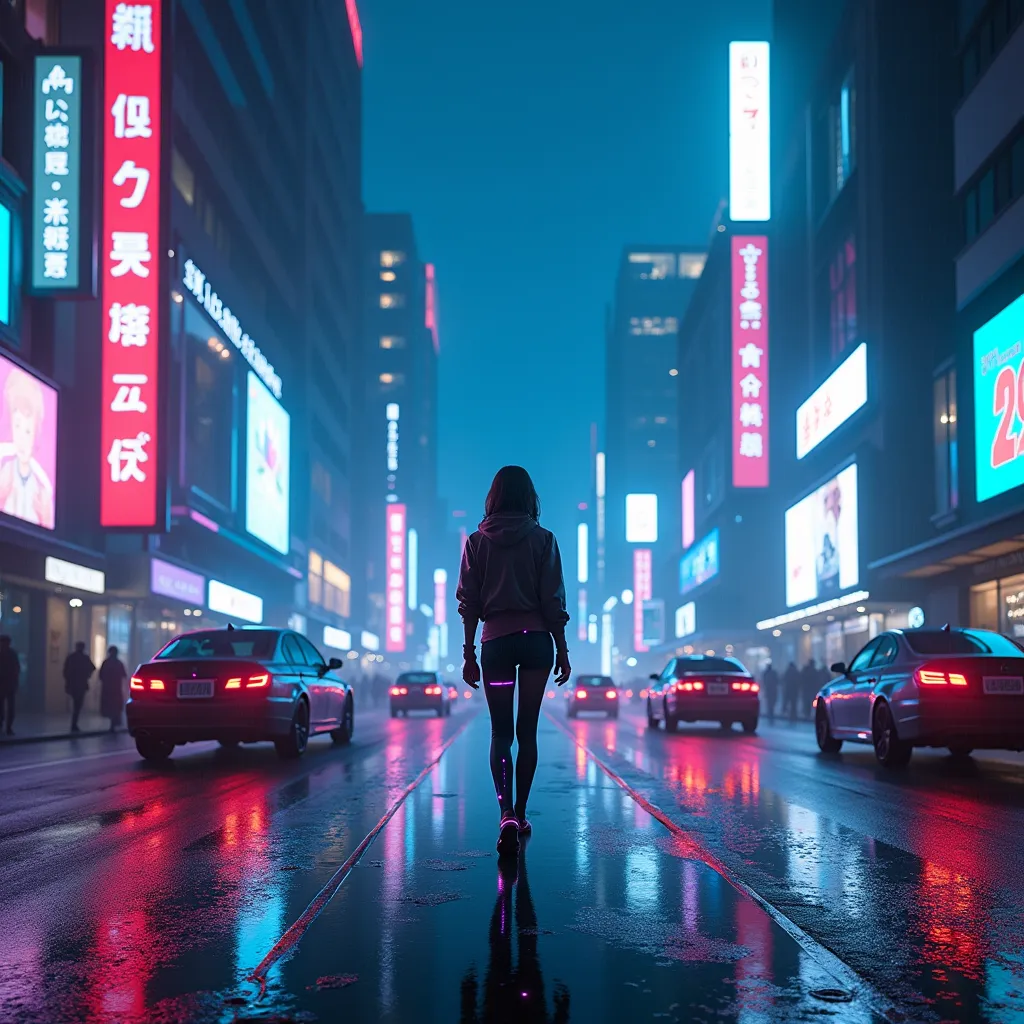

- Shot 1 — wide, neon street
- Shot 2 — close-up, rain on glass
- Voice-over
- Music and captions
What is an uncensored AI image generator?
Mainstream image generators refuse far more than they need to: a horror scene, a battle, a dark album cover, a punchline about a politician. An uncensored AI image generator lets you make the picture you described instead of a sanitized guess — or a refusal.
Imagine gives you several image models, including Uncensored+, our least-filtered one, and a choice of video models for every budget. It still follows the law and our Content Policy — uncensored doesn’t mean lawless — and it isn’t for making content of real people without their consent.
Imagine is part of Cleus, the uncensored AI — one account for chat, characters, stories, images, video and voice. See the Content Policy for what is and isn’t allowed.
One studio for images, video and sound
01Text to image
Pro+, Quality+ and Uncensored+ models, up to four images at a time, square, portrait or widescreen. The Enhance button turns a rough idea into a detailed prompt.
02Edit in plain words
“Make it night.” “Put her in a leather jacket.” Edit, combine several images, inpaint, expand the frame and upscale.
03Image and text to video
Videos from 2 to 30 seconds, up to 1080p, with sound. Start from a prompt or animate any image.
04Swap into video
Put yourself, a character or anyone you made into a clip, following its exact motion. Or remix a viral video’s format with your own idea.
05Your own Avatar
Upload a few photos of yourself and get a reusable Avatar in about a minute, then put yourself in any scene or make talking videos.
06The Imagine Agent
Describe a video. The Agent plans the shots, keeps characters consistent, adds voice-over, music and captions, reviews its own work and fixes what’s off.
Made with the uncensored AI image generator
Real images made on Cleus. Tap one, sign up, and make your own version.

A girl sitting in a cafe looking outsideMake your version 
Exploring the black hole in a spaceshipMake your version 
A candlelight dinner date on MarsMake your version 
Cyberpunk night-time aestheticMake your version 
The last day on EarthMake your version 
Anime character stargazing at nightMake your version
From prompt to finished video
Describe it
Type what you want to see, or upload a photo to start from. Pick a model, or let Cleus pick.
Refine it
Edit with words, try variations, upscale the keeper.
Make it move
Animate it into a video with sound — or ask the Agent for the whole thing, shot by shot, with the price shown up front.
Uncensored AI image and video generation, answered
Anything else? Ask us here — a real person answers every message.
Is Cleus Imagine an uncensored AI image generator?
Yes. Imagine includes Uncensored+, our least-filtered image model, alongside Pro+ and Quality+, and generates dark, violent, satirical and mature themes that mainstream tools refuse. It still follows the law and the Cleus Content Policy, and isn’t for making content of real people without their consent.
Can it generate video too?
Yes — text to video and image to video from 2 to 30 seconds, up to 1080p, with sound. The Imagine Agent can also plan and render multi-shot videos with voice-over, music and captions.
Can I put my own face in AI images and videos?
Yes. Create an Avatar from a few photos of yourself (ready in about a minute), then use it in any image, swap it into a video or make a talking video.
Is the uncensored AI image generator free?
You can start free with daily credits and no credit card. Video and premium models use credits; every price is shown before you generate.
Who owns the images and videos I make?
You do. Your generations are private to your account unless you share them, and you can download or delete them at any time.
Can I edit an existing photo?
Yes. Upload any image and edit it in plain words, combine several images, inpaint a region, expand the frame, remove the background or upscale it.
More from the uncensored AI
Describe the first frame.
Start creating freeFree to start · No credit card · Images, video, voice & music